
Panasonic High Definition Video Camera Owner's Manual, Model No. HC-V800/HC-WXF1/HC-VXF1/HC-VX1.
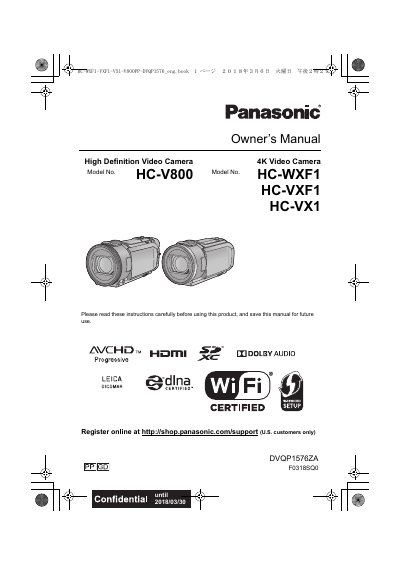
Panasonic owner's manual for the HC-V800, HC-WXF1, HC-VXF1 and HC-VX1 high-definition and 4K video cameras. It covers preparation, names of main parts, power supply, battery charging, SD card use, turning the unit on/off, LCD monitor/viewfinder use, date and time setting, and basic motion picture and still picture recording and playback.
The manual also describes advanced recording functions such as zoom, HDR Movie Mode, Twin Camera/Sub Camera recording, recording modes, manual recording, touch functions and menus. Later sections cover playback and copying, Wi-Fi functions including Link to Cell, Baby Monitor, Home Cam, DLNA Play, Copy and Live Cast, Wireless Twin/Multi-Camera, PC use with HD Writer AE 5.4, indications, messages, troubleshooting and cautions for use.
| Lens | LEICA DICOMAR |
|---|---|
| Supported memory cards | SD Memory Card, SDHC Memory Card, SDXC Memory Card |
| 4K recording resolution | 3840 2160/30p |
| 24p high-definition resolution | 1920x 1080/24p |
| Audio playback | 5.1 channel sound (AVCHD) |
| DC input terminal | DC IN |
| Headphone terminal | Headphone terminal |
SD Memory Card, SDHC Memory Card and SDXC Memory Card can be used.
Leave the unit like that for about one hour; fogginess will disappear naturally.
Do not aim them at the sun or strong light.
HD Writer AE 5.4 is referenced for PC installation and copying to disc.