
The Omron blood pressure monitor uses the oscillometric method to measure blood pressure. This blood pressure monitor is easy to use and does not require a stethoscope. This blood pressure monitor is designed for home use.
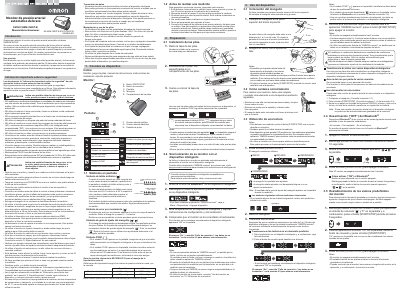
This Spanish instruction manual covers the Omron Evolv automatic arm blood pressure monitor, which uses the oscillometric method to measure blood pressure and heart rate in adult patients and can detect irregular heartbeats during measurement.
It includes important safety warnings, battery installation and handling instructions, guidance for taking measurements, and steps to pair the monitor with a smart device using the OMRON connect app. This manual is written in Spanish.
| Measurement method | Oscillometric method |
|---|---|
| Internal memory capacity | 100 measurements |
| Battery type | 4 AAA alkaline batteries |
| Irregular heartbeat threshold | 25% below or above average heart rate |
It uses 4 AAA alkaline batteries only; do not use other battery types or mix new and old batteries.
The internal memory can store up to 100 measurements; if the limit is reached before download, the oldest value is deleted.
Remove the cuff, wait 2 to 3 minutes, take a new measurement, and stay still while doing it.
Enable Bluetooth on the device, download the free OMRON connect app, open it and follow the setup and synchronization instructions.