
This is a user manual for 3D glasses, which introduces the usage and precautions of the 3D glasses.
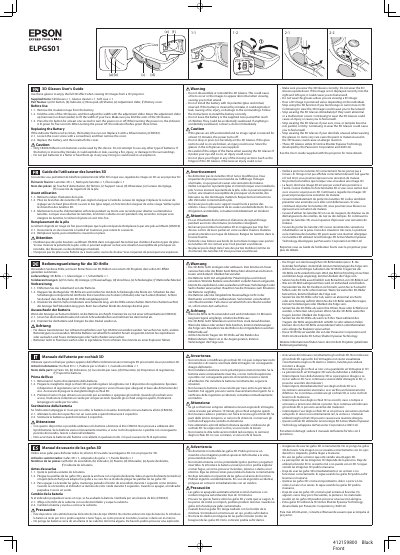
This document is the user's guide for 3D glasses utilizing 3D Active Shutter Eyewear Technology developed by Panasonic Corporation and X6D Ltd. The manual provides instructions on using the glasses with a 3D projector to enjoy a full 3D effect. It details the supplied items, part names, and initial setup steps such as removing insulation tape and adjusting the frame width.
| Battery Type | CR2032 lithium coin battery |
|---|---|
| Power On Indicator | Green light for five seconds |
| Power Off Indicator | Flashes green three times |
| Low Battery Indicator | Flashes red six times |
| Auto Power Off | After 10 minutes of no signal |
The device requires a CR2032 lithium coin battery.
The indicator flashes red six times when the battery has run out.
The power will turn off automatically after at least 10 minutes.