
This document describes how to use the Keyence BZ-X700 All-in-One Fluorescence Microscope.
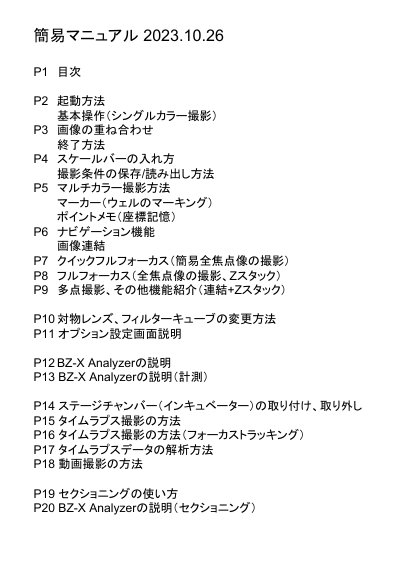
This Japanese user manual explains operation of the Keyence BZ-X700 all-in-one fluorescence microscope. It covers startup, single-color imaging, image overlay, shutdown, scale bars, saving and loading imaging conditions, multicolor imaging, markers and point memo, navigation, image stitching, quick full focus, full focus/Z-stack, and multipoint imaging.
The manual also describes changing objective lenses and filter cubes, option settings, BZ-X Analyzer measurement, stage chamber installation and removal, time-lapse imaging with focus tracking, time-lapse data analysis, movie recording, and sectioning. This manual is written in Japanese.
| Software roles | BZ-X Viewer for capture; BZ-X Analyzer for viewing/analysis |
|---|
Turn on the PC, turn on the microscope main unit, wait until the blue lamp lights, then launch BZ-X Viewer on the desktop and set the sample holder.
No. Zeiss lenses cause color shift, so the manual says to use single-color imaging plus overlay instead.
No. The manual says data that remains for a certain period is automatically deleted, so do not leave data on the HDD.