
Phoenix Contact SafetyBridge Technology V3 Quick Start Guide

This document describes how to integrate SafetyBridge Technology V3 modules in a Modbus TCP system into an Schneider M340 controller.
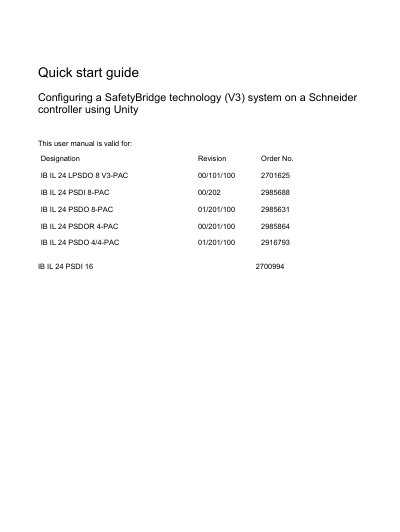

Phoenix Contact SafetyBridge Technology V3 Quick Start Guide - cover page
Brand
Phoenix Contact
Category
Industrial Robot
Document type
Quick Start Guide
Language
English
Pages
68
File format
PDF
File size
3.1 MB
Published
15 November, 2023
Updated
15 November, 2023
MD5 checksum
398EFC0A42A580013810FE366752F232

About this manual

This quick start guide describes the integration of SafetyBridge Technology V3 modules into a Schneider M340 controller within a Modbus TCP system. It focuses on the essential observations and steps required for integration rather than providing a complete system configuration or project creation tutorial. The document serves as a reference for integrating the system and directs users to additional documentation for comprehensive details.

What's inside

  • Purpose of this manual
  • Requirements
  • Integration of a SafetyBridge Technology V3 system
  • Safety with the SafetyBridge Technology V3 system
  • Example bus configuration
  • Configuring the safety logic (-SAFECONF)
  • Integrating the SafetyBridge Technology V3 modules into the controller
  • Installing the SafetyBridge Technology V3 modules

Frequently asked questions

What controller can SafetyBridge Technology V3 modules be integrated into?

SafetyBridge Technology V3 modules can be integrated into a Schneider M340 controller in a Modbus TCP system.

Which modules are needed to ensure safety in a SafetyBridge Technology V3 system?

Safety is ensured only by using the system modules IB IL 24 LPSDO 8 V3-PAC and 1 to 16 satellites.

What version of SAFECONF is required for configuring the safety logic?

SAFECONF V2.8 or later from Phoenix Contact is required.

Download PDF (3.1 MB)

More Phoenix Contact Manuals


View all Phoenix Contact manuals →