
Dialog 4223 Professional / Dialog 3213 is a business telephone communication platform that includes BusinessPhone Compact, BusinessPhone 50, BusinessPhone 128i and BusinessPhone 250. The latest version of the platform is 7.0.
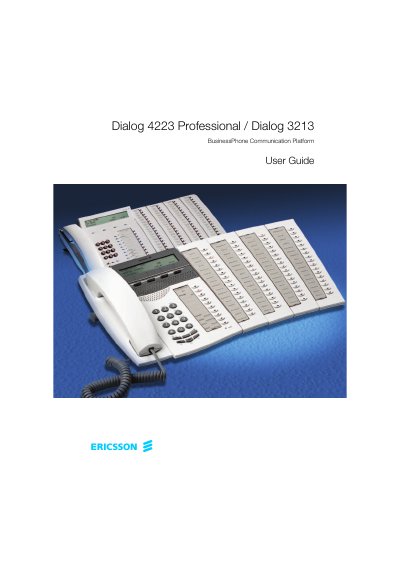
This User Guide covers the Dialog 4223 Professional and Dialog 3213 system telephones in the Ericsson BusinessPhone Communication Platform, which consists of BusinessPhone Compact, BusinessPhone 50, BusinessPhone 128i and BusinessPhone 250. The features described relate to version 7.0 or higher of the platform.
The Dialog 4223 Professional / Dialog 3213 is a system telephone that can only be used with an Ericsson private branch exchange supporting this type of telephone. The guide describes welcome, description, incoming and outgoing calls, system phonebook, during calls, call list, call metering, call forwarding, absence information, messages, security, group features, ISDN facilities, settings, accessories, useful hints, glossary, and installation.
| Display | 3x40 characters |
|---|---|
| Optional key panels | Four panels can be connected |
It can only be used for an Ericsson private branch exchange that supports this type of telephone.
The features described are related to version 7.0 or higher of the BusinessPhone Communication Platform.
Four panels can be connected.