
This document is the user manual of T39 phone, it introduces the functions and features of the phone
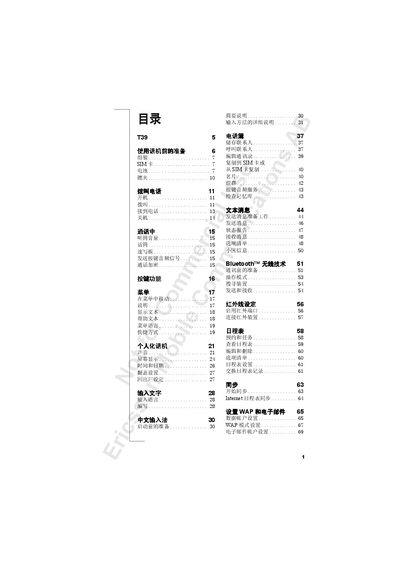
This manual covers everything needed to start using the Ericsson T39 mobile phone, from inserting the SIM card and charging the battery to configuring Bluetooth, infrared and GPRS connections. Detailed instructions are provided for making and managing calls, using the address book, and handling voice mail and call forwarding.
Additional sections describe how to set up WAP browsing, email accounts, calendar synchronization, and security features such as SIM lock and password management. The guide also includes technical data, safety information, warranty details, and an index for quick reference. This manual is written in Chinese.
| Network bands | GSM 900/1800/1900 |
|---|---|
| GPRS support | Supported |
| Battery type | Lithium |
Remove the battery if it is installed, then insert the SIM card with the contacts facing down into the silver slot.
Connect the charger to the phone and plug it into a power outlet; charging can be done while the phone is on or off.