
This document is the user manual for the ASUS GX860 gaming mouse. It introduces the features and functions of the mouse, including its ergonomic design, adjustable weight system, and RGB lighting system.
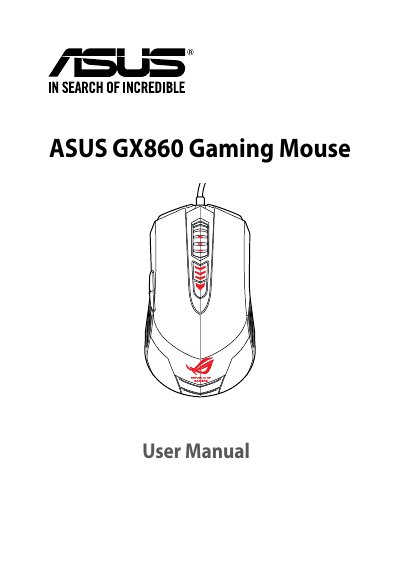
The ASUS GX860 is a wired USB gaming mouse with laser tracking, adjustable resolution from 50 to 8200 dpi, a 1.8 m cable, and support for Windows XP, Windows 7, Windows 8, and Windows 8.1. Its controls include left and right buttons, a scroll wheel, a two-way DPI switch, three side buttons, and a profile LED indicator.
This manual covers package contents, specifications, mouse controls, connection, and customization of DPI values, macro commands, and button functions using the setup utility.
| Model Name | GX860 |
|---|---|
| Connection | Wired / USB |
| Tracking | Laser |
| OS Support | Windows 8.1 / Windows 8 / Windows 7 / Windows XP |
| Dimensions | 118.2 (L) x 684 (W) x 4 (H) mm |
| Cable Length | 1.8 m |
| Buttons / Switches | 1 x Left button / Right button / Scroll wheel; 2 x DPI switch (programmable); 3 x Side buttons (programmable) |
| Resolution | 50-8200 dpi (adjustable) |
| Default DPI Levels | 800 dpi (Level 1), 1600 dpi (Level 2), 3200 dpi (Level 3), 5600 dpi (Level 4) |
| Interface | USB |
It supports Windows 8.1, Windows 8, Windows 7, and Windows XP.
The default levels are 800, 1600, 3200, and 5600 dpi.
It has left and right buttons, a scroll wheel, a two-way DPI switch, and three side buttons.
The cable length is 1.8 m.