
The MeasureWare® Starter Kit (EV-ADMW1001-KITZ) Quick Start Guide provides instructions on how to use the kit to take measurements.
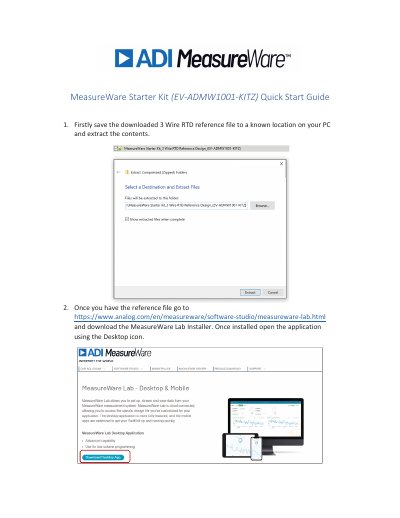
This quick start guide walks through setting up the Analog Devices MeasureWare Starter Kit (EV-ADMW1001-KITZ). It explains how to save and extract the downloaded 3 Wire RTD reference design file, install the MeasureWare Lab desktop application from analog.com, and create a My Analog Account to save and track designs.
The guide then covers the hardware steps: plugging the kit together and connecting it to a computer over USB, uploading the preconfigured reference design JSON file in MeasureWare Lab, and attaching a 3-wire RTD sensor to the ProBoard to view results in the measurement dashboard.
From the MeasureWare Lab page at analog.com; after installing, open the application using the Desktop icon.
Extract the downloaded reference file, then in MeasureWare Lab click "upload your design" and select the JSON file from the unzipped preconfigured reference design.
Plug the kit together and connect it to your computer using the USB cable.
Attach the 3 wire RTD sensor to the ProBoard, then proceed to the measurement dashboard.