
First Steps Quick Guide for the Kyocera ECOSYS M2735dw printer, covering unboxing, toner setup, driver installation, and wireless network connection.
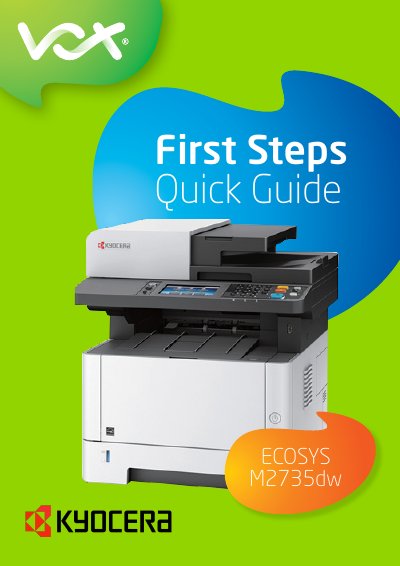
This First Steps Quick Guide covers basic setup for the Kyocera ECOSYS M2735dw printer. The guide is provided by Vox and gives short instructions to get the device running.
It explains removing orange strips, unboxing, setting up the toner, installing workstation drivers and utilities, and connecting the printer to a wireless network. A detailed operation guide is available on the Vox website.
| System/Network login | Username and password are both Admin |
|---|
All orange strips should be removed from the printer to ensure proper operation.
Download the driver from Kyocera’s website, select the model and the driver for the operating system, and use the KX driver where possible.
For this device, the username and password are both Admin.
Open System/Network, log in, select Network and Wi-Fi Settings, then enter the required Wi-Fi password and select OK.