
This document is a user manual for the Skyworth 22-inch LED TV/DVD Combo FLDC2200.
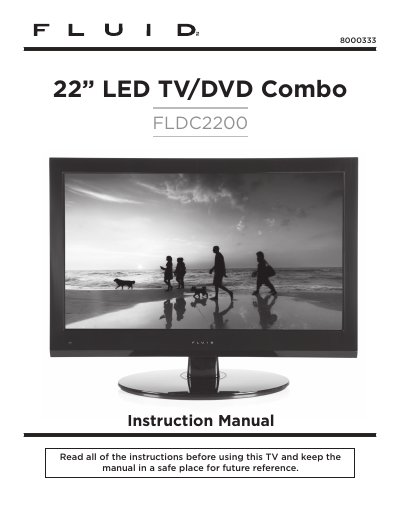
The Skyworth FLDC2200 is a 22-inch LED TV/DVD combo. Its instruction manual opens with important safety information and a list of included accessories, then covers the front/side and rear controls, a 100 x 100 VESA wall-mounting pattern, and connections for HDMI, VGA, component, AV, antenna, coaxial audio, headphones and service.
The guide explains the remote-control keys and the TV onscreen menus for picture, audio, time, setup, lock and channels. It also covers DVD operation and setup, MP3/JPEG playback, troubleshooting, FCC notes, specifications and warranty.
| Screen size | 22 inches |
|---|---|
| Power input | DC 12V |
| HDMI inputs | HDMI 1 / HDMI 2 |
| VGA input | Provided |
| Antenna input | 75 Ohm VHF/UHF |
| VESA mounting pattern | 100 x 100 |
| Disc slot | DVD loader |
The manual states a VESA mounting pattern of 100 x 100.
It has an antenna input for 75 Ohm VHF/UHF.
Use the navigation buttons to select Exit Setup Mode, then press OK to confirm.
The manual notes that if there is light around the TV, the remote control may fail or work abnormally.