
Panasonic digital camera user manual, introduces the basic operation and functions of the camera.
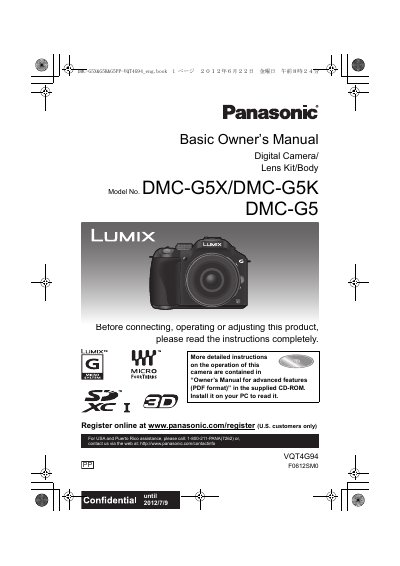
Basic Owner’s Manual for the Panasonic DMC-G5X/DMC-G5K digital camera, lens kit and body. The document covers safety information, care of the camera, standard accessories, component names, changing the lens, battery charging, card and battery insertion, clock setting, recording modes, still and motion picture shooting, playback, deletion, display switching and menu settings.
It also includes specifications, an accessory system list, an accessory order form and warranty information for the U.S.A. and Puerto Rico, plus useful information for Latin American countries. A more detailed Owner’s Manual for advanced features is provided as a PDF on the supplied CD-ROM.
| Camera model | DMC-G5X/DMC-G5K, DMC-G5 |
|---|---|
| Battery type | Lithium ion battery pack |
| Battery charger input | AC 110 V to 240 V |
| Optional USB cable | DMW-USBC1 |
| Optional HDMI mini cable | RP-CDHM15 (1.5 m), RP-CDHM30 (3.0 m) |
No. The manual states that the camera is not dust/drip/water proof and advises avoiding dusty, wet or sandy places.
Turn the camera off and leave it for about two hours; the fog should disappear naturally as the camera reaches ambient temperature.
It uses a lithium ion battery pack.
Press [MENU/SET], select [Setup] > [Version Disp.], and then press [MENU/SET].