
This manual describes how to configure LAN settings to use the software programs included on the User Supportware 6 CD-ROM.
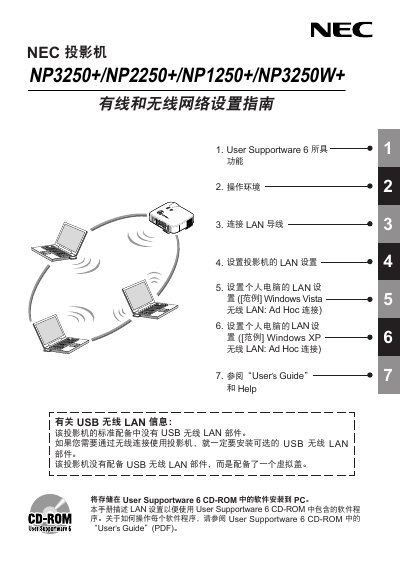
This network setup guide for the NEC NP3250+, NP2250+, NP1250+ and NP3250W+ projectors explains how to configure wired and wireless LAN connections so the five programs on the supplied User Supportware 6 CD-ROM can be used. Those programs are Image Express Utility 2.0, Desktop Control Utility 1.0, ArcSoft MediaImpression, Viewer PPT Converter 3.0 and PC Control Utility 3.0.
The guide goes through the projector's on-screen network settings menu, wireless LAN and wired LAN setup, and worked examples of setting up an Ad Hoc wireless LAN connection on a Windows Vista and a Windows XP computer. It notes that a USB wireless LAN unit is not supplied as standard equipment and must be installed as an option for wireless connection, and it directs readers to the User Supportware 6 Users Guide and help files for operating details. This manual is written in Chinese.
| LAN port | RJ-45 |
|---|---|
| Supported operating systems | Windows Vista, Windows XP, Windows 2000 |
| Bundled software | 5 programs on the User Supportware 6 CD-ROM |
| Wireless LAN security types mentioned | WPA-PSK / WPA-EAP / WPA2-PSK / WPA2-EAP |
No. The guide states that the projector does not have a USB wireless LAN unit as standard equipment; an optional USB wireless LAN unit must be installed to use a wireless connection.
Each program runs on Windows Vista, Windows XP or Windows 2000.
Five programs: Image Express Utility 2.0, Desktop Control Utility 1.0, ArcSoft MediaImpression, Viewer PPT Converter 3.0 and PC Control Utility 3.0.
It lets you operate the projector from a personal computer when they are connected by LAN (wired or wireless) or a serial cable, for example power on/off and input signal switching.