
This document is the user manual for Skyworth 801
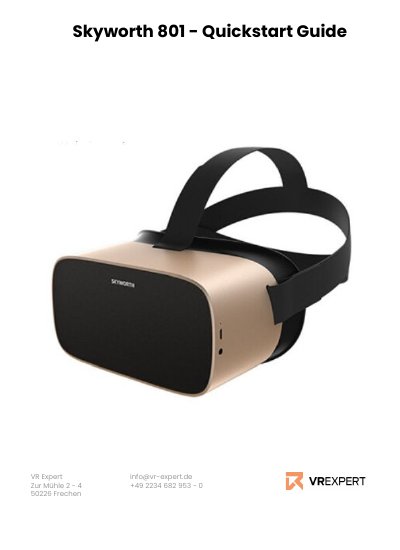
This German-language quick start guide covers the Skyworth 801 (also written s801) VR headset as delivered in a bundle that includes the headset, a controller, a battery, a Micro USB cable, a charging cable and a microfiber cloth. It opens with the hardware layout of the headset and the controller, including the back button, home button, selection button, volume switch, power switch, microphone, microSD slot, status LED, audio jack, Micro USB port, trigger and touchpad.
The guide then walks through installation, connecting to Wi-Fi, pairing the controller, downloading and installing APK apps, and VR Expert tips on developer mode, external storage and the home and back buttons. Contact details for VR Expert in Utrecht and Frechen close the document. This manual is written in German.
| External storage | Expandable with a microSD card up to 256 GB |
|---|---|
| microSD slot | Micro SD card slot on the headset |
| Wired connection | Micro USB port |
| Developer mode | Not available |
| In the box | Headset, controller, battery, Micro USB cable, charging cable, microfiber cloth |
Click the Wi-Fi symbol at the top of the main menu, switch Wi-Fi on, select your network, enter the password and click Connect.
Open the controller symbol in the main menu, choose left or right hand, press scan, then press the Home button on the controller; for a first pairing press volume + on the headset or press the App and Home buttons together.
Yes, the storage can be expanded with a microSD card up to 256 GB.
No, the guide states that there is no developer mode.