
This is the user manual of the VG34V series LCD monitor, which contains product features, specifications, usage instructions and other information
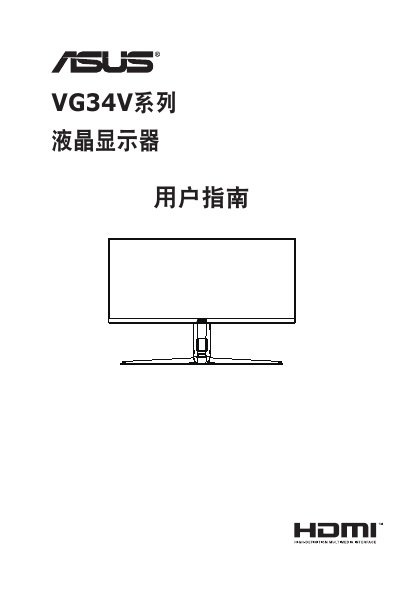
This Chinese user guide for the ASUS VG34V series LCD monitor explains the package contents, monitor assembly, cable connections, control buttons and how to adjust the display. It also covers removing the support arm or base for VESA wall mounting and provides the external dimensions.
The guide describes the OSD menu, lists specifications for the VG34VQL1B, gives troubleshooting answers and includes a supported timing list. Safety, maintenance and cleaning information is included as well. This manual is written in Chinese.
| Model | VG34VQL1B |
|---|---|
| Panel size | 34” W (86.43 cm) |
| Maximum resolution | 3440 x 1440 @ 165 Hz |
| Brightness | 550 cd/m2 (typical) / 550 cd/m2 (peak) |
| Contrast ratio | 4000:1 (typical) |
| Viewing angle | 178° vertical / 178° horizontal |
| Response time | 4 ms gray-to-gray, MPRT 1 ms |
| HDMI inputs | 2 |
| DisplayPort inputs | 2 |
| Power consumption (maximum) | 110 W |
| Rated voltage | AC 100~240V (built-in) |
| Net weight | Approx. 9.01 kg |
The maximum resolution is 3440 x 1440 at 165 Hz.
The monitor provides two HDMI inputs.
The rated voltage is AC 100~240V (built-in).
The panel size is 34” W (86.43 cm).