
Amazfit PowerBuds Pro user manual, introduces the functions of earphone pairing, connection, sports mode, earphone control, music equalizer settings, sports assistance, health detection, device upgrade and factory reset
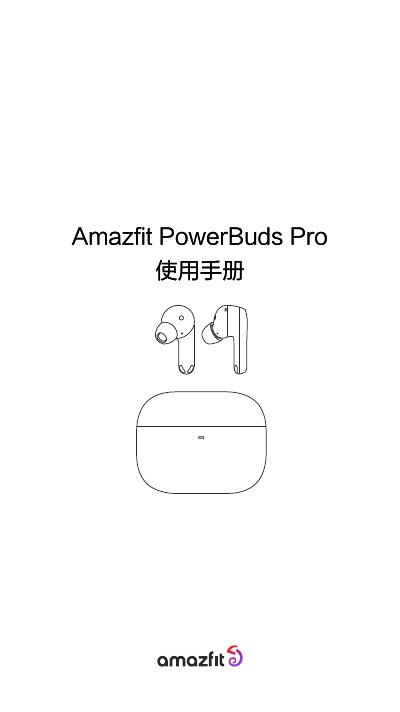
The Amazfit PowerBuds Pro user manual explains how to pair the earbuds with Android and iOS devices using the Zepp App or direct Bluetooth pairing. It details the sports mode with built-in PPG heart rate sensor and G-sensor for automatic run detection, battery level checking, touch controls for playback, calls, noise cancellation, and voice assistant, as well as customizable EQ settings.
Additional features include sports assistance via heart rate broadcasting to third-party apps, hearing health monitoring based on WHO volume exposure guidelines, and a unique cervical spine protection function that detects head posture and reminds the user to move. The manual also covers firmware update procedures and factory reset instructions. This manual is written in Chinese.
| Heart rate sensor | PPG optical heart rate module |
|---|---|
| Motion sensor | Built-in G-sensor for run detection |
| Noise cancellation | Three modes: ANC on, transparency, off |
| Health monitoring | Hearing health (volume exposure) and cervical spine posture detection |
When a firmware update is available, a red dot appears on the "Check Update" function in the device page. Keep both earbuds out of the case and close to the phone until the update succeeds.
Long press the charging case button for 3 seconds until the white light flashes to enter pairing mode.
The earbuds have a built-in PPG heart rate sensor that automatically starts detecting heart rate when you begin an exercise in the Zepp App.
A long press cycles through noise cancellation, transparency mode, and off; a single press plays or pauses music and answers or ends calls; a double press skips to the next track or rejects a call; a triple press activates the voice assistant.