
This manual provides instructions for operating the Amazfit Neo smartwatch, including button usage, charging, device pairing, and features like step…
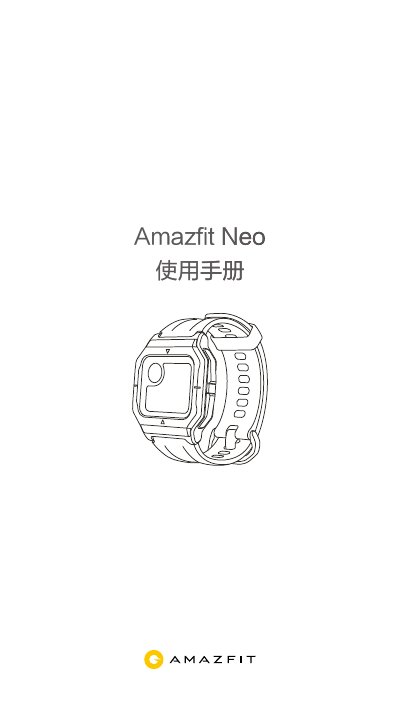
The Amazfit Neo is a smartwatch featuring an STN screen with four physical buttons. It offers long battery life, lasting over 4 weeks on a single charge depending on the mode selected. The device includes BioTracker PPG optical sensors for 24-hour heart tracking and automatic detection of irregularities like atrial fibrillation.
To use the watch fully, users must download the Zepp App to pair the device via Bluetooth. Key functions include step counting, distance tracking, calorie consumption, weather display, stopwatch, alarm, PAI score calculation, and various health reminders such as sedentary alerts and heart rate warnings. The manual also covers settings for sleep detection, screen wake-up gestures, and factory reset procedures. This manual is written in Chinese.
| Screen Type | STN screen |
|---|---|
| Battery Life (Classic Mode) | 28 days |
| Battery Life (Basic Mode) | 37 days |
| Stopwatch Precision | 0.01 seconds |
Insert the charger into a USB power source, place the watch on the base ensuring metal contacts touch tightly, and wait for the charging icon to appear.
Download the Zepp App, log in or register an account, select Add Device > Watch, and follow the on-screen prompts to complete binding.
The PAI value depends on enabling all-day heart rate detection.