
This manual provides instructions for pairing, configuring motion modes, gesture controls, and equalizer settings for the Amazfit PowerBuds.
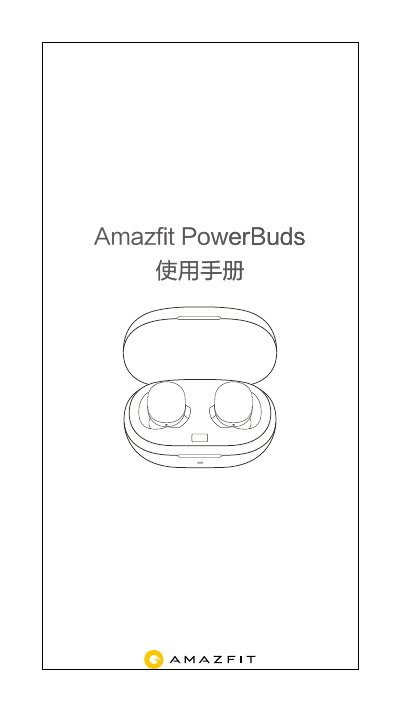
The Amazfit PowerBuds user manual covers the complete setup process for both Android and iOS devices. It details how to download the required app, perform Bluetooth pairing via the application or system settings, and manage quick re-pairing scenarios.
Once paired, users can access various features through the Amazfit APP, including real-time heart rate monitoring during sports, battery status checks, customizing tap gestures for both ears, adjusting music equalizer modes, configuring motion-specific audio enhancements, and resetting the device to factory defaults. This manual is written in Chinese.
The headphones can pair with any device supporting classic Bluetooth, such as phones, laptops, tablets, TVs, Android smartwatches, and desktop computers.
For best results, place the earbuds in the charging case and plug it into a power source to charge for thirty minutes before starting the pairing process.
The earbuds will send motion heart rate data via Bluetooth broadcast so that nearby Bluetooth devices, such as a treadmill screen, can receive and display it.