
This is the user guide for Amazfit GTS 2 Mini watch.
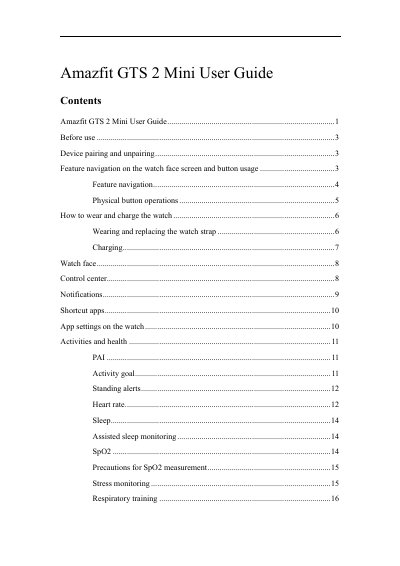
The Amazfit GTS 2 Mini User Guide explains how to pair the watch with the Zepp app, navigate the watch face screen, use the physical button, wear and charge the watch, change watch faces, and manage notifications and shortcut apps.
It also covers activities and health features such as PAI, heart rate, sleep, SpO2, stress monitoring, and respiratory training, along with watch apps, workouts, GPS and AGPS, and watch status alerts.
| Display | TFT touch screen |
|---|---|
| Physical controls | Physical button |
| Recommended charging output voltage | 5 V |
| Recommended charging output current | More than 1 AH |
| Notification storage | Up to 10 notifications |
| Shortcut apps | Up to 10 |
Download the Zepp app, register or log in, then go to Profile > Add Device > Watch > Watch with a QR Code and scan the QR code on the watch.
Press and hold the physical button for 8 seconds.
Press and hold the physical button for 2 seconds.
Use a charger with an output current more than 1 AH.