
This manual covers connection, pairing, wearing, charging, basic operations, watch faces, notifications, health monitoring, and system updates for the…
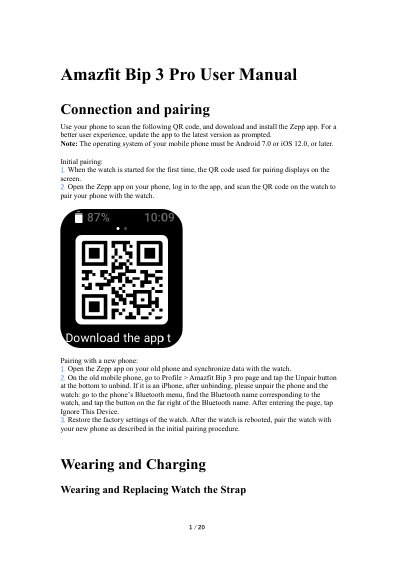
This document provides instructions for setting up and using the Amazfit Bip 3 Pro smartwatch. It details the process of connecting the device to a smartphone via the Zepp app, including initial pairing and switching phones. The guide also explains how to wear and charge the watch correctly to ensure sensor accuracy.
The operating system of your mobile phone must be Android 7.0 or iOS 12.0, or later.
Press and hold the physical button for 2 seconds when the watch is in the power-off state.
Press and hold the watch face, or go to Settings > Watch Face and swipe left or right to select the desired watch face.
Enable the app alerts feature in the Zepp app and keep the watch connected to the phone.