
This manual covers navigation, button operations, charging methods, and usage instructions for the Amazfit Youth Edition smartwatch.
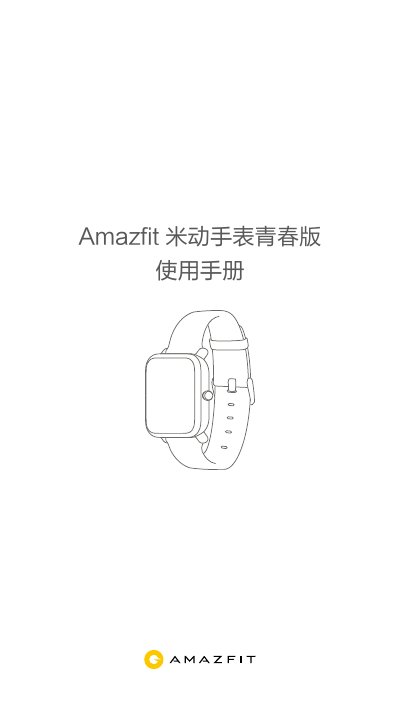
The Amazfit Youth Edition is a smartwatch featuring a reflective touchscreen display and an operation button. Users can navigate the screen by swiping up to view notifications, down to access Do Not Disturb mode or check battery status, and left/right to switch between applications. The device supports various functions including weather updates, Alipay payments, alarms, timers, and compass navigation. This manual is written in Chinese.
The watch supports setting up to 10 alarms.
Insert the charging base USB into a charger, place the watch on the base aligning metal contacts with gold pins, and press the button until it fits.