
This manual covers connection, pairing with the Zepp app, basic operations, watch face customization, and workout modes for the Amazfit GTS 4 Mini smartwatch.
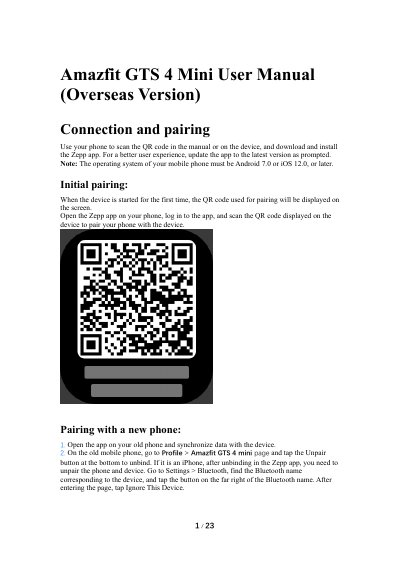
The document provides instructions for connecting the Amazfit GTS 4 Mini to a smartphone via the Zepp app, including initial pairing, unpairing from old devices, and updating the system. It details basic gesture operations such as swiping, tapping, and using the digital crown, as well as accessing the Control Center.
The mobile phone must be running Android 7.0 or iOS 12.0, or later.
Restore the factory settings of the device and then pair it with your new phone as if it is paired for the first time.
The device supports more than 120 workout modes.