
The document is the instruction manual of Titan flexible Pulsite digital rate and total indicator
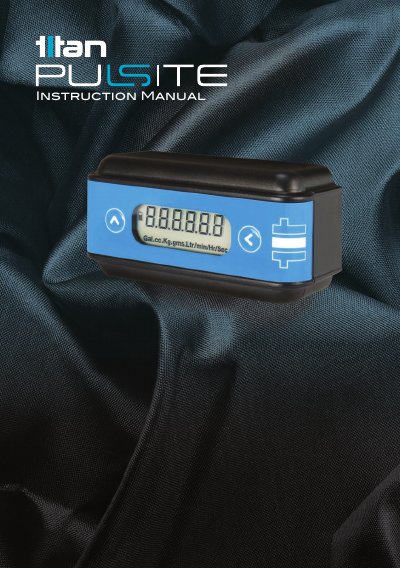
This instruction manual covers the Titan flexible Pulsite digital rate and total indicator, a battery or dc powered panel or surface mounting instrument intended for flow measurement. The text describes the Solo version, which is battery powered and displays rate and total, and the Link version, which has multiple options including two transistor inputs/outputs and a user set analogue output programmed through a USB interface and the free Pulsite interface software.
The manual gives the technical specification, wall and panel mounting dimensions, the operational 'Run' mode, the 12-item menu system and the step-by-step programming of PIN, unit, auto calibration, scale factor, display selection, decimal points, filter, rate time base and PIN change. Electrical connection options for reed switch, contact closure, magnetic pick-up, NPN, PNP and logic level pulse sources are also shown.
| Display | Trans-reflective LCD with 6 digits, 8 mm high numerals and 2.5 mm enunciators |
|---|---|
| Power | Battery (5 years typical life) or 5 to 24 V dc input |
| Pulse input | 2 kHz maximum (VIL < 0.5 V, VIH > 3 V) |
| Coil input | 3 mV to 24 V sine wave, 2 kHz maximum |
| Unit display range | 9.99999 to 999999 |
| Case size | 96 x 48 mm 1/8 DIN, panel or surface mount |
| Battery type | Saft LS14500 or equivalent, 3.6 V LiSOCl2 AA cell |
| Contact closure / reed switch input | Maximum frequency 100 Hz |
Press both buttons together for a minimum of four seconds to enter the menu system.
The default PIN is 0000.
Press both keys together for 4 seconds to exit the programming at any time.
The scale factor is the number of pulses for a given unit of liquid.