
This is a manual for how to use the Labour Department portal to register a trade union
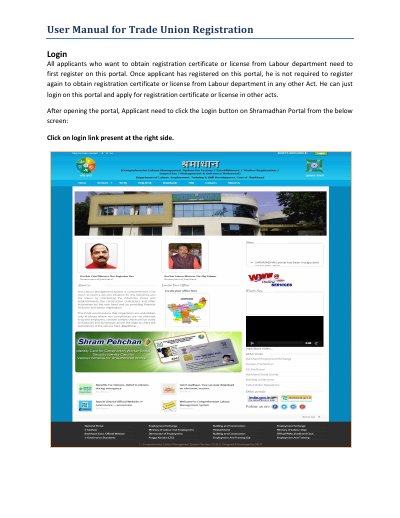
This user manual explains how to register a trade union with the Labour department through the Shramadhan Portal. It covers creating a new account, verifying the OTP sent to the applicant's mobile, recovering a forgotten password, and logging in with a username, password and captcha.
The manual then describes the registration workflow: filling the application form, paying the application fee, and checking the application status. It also covers the office process at the Labour Commissionerate, where the Labour Commissioner verifies applicant details and uploaded documents, validates fee challans against treasury data, and approves, rejects, or sends remarks to the applicant.
Click the Login button on the Shramadhan Portal, then the "Not Registered? Register here" link, fill in your details, and verify the OTP code received on your mobile.
No. The same mobile number cannot be used for registering more than once on this portal, and the same user name also cannot be reused.
Use the "Forgot password" link on the login page. You can reset it using your username or email, verify the OTP sent to your mobile, and then log in with the temporary password and change it.
Go to Services, then Trade Union, then Registration, then Check Application Status; clicking "View Remarks" shows the remarks on your application.