
This manual is the instruction manual for ECOSYS M2030dn/ECOSYS M2530dn/ECOSYS M2035dn/ECOSYS M2535dn, which introduces the product's usage methods, common troubleshooting methods, etc.
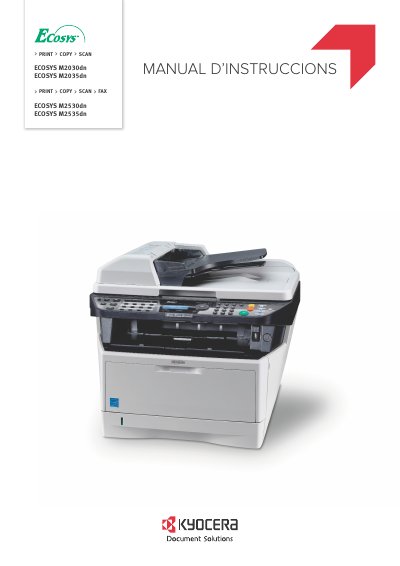
This instruction manual describes how to use the Kyocera ECOSYS M2030dn, M2530dn, M2035dn and M2535dn printers, including routine maintenance and simple troubleshooting. It lists the included Quick Installation Guide, Safety Guide and Product Library DVD.
The table of contents covers component names, preparation before use, basic operation, maintenance, troubleshooting, optional equipment and specifications. It also covers paper loading, network setup, software installation, copying, printing from applications, sending documents, cleaning and toner cartridge replacement.
| 30 ppm model | ECOSYS M2030dn / ECOSYS M2530dn |
|---|---|
| 35 ppm model | ECOSYS M2035dn / ECOSYS M2535dn |
It covers the ECOSYS M2030dn, ECOSYS M2530dn, ECOSYS M2035dn and ECOSYS M2535dn.
Loading paper, basic copying, printing and scanning operations, and troubleshooting.
The Quick Installation Guide, Safety Guide, Safety Guide for the model, Product Library DVD, and this instruction manual are included.
Read the Safety Guide carefully before using the printer; it provides safety and warning information for installation and use.