
NS series programmable terminal quick start guide, introduces software installation, terminal operation, screen creation, project debugging and other contents.
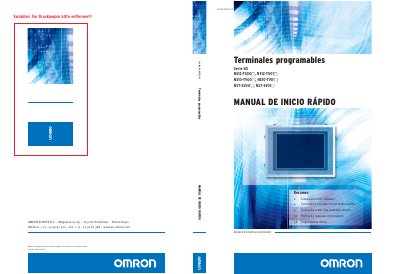
This Omron quick start guide covers the NS Series programmable terminals, including models NS12-TS00, NS12-TS01, NS10-TV00, NS10-TV01, NS7-SV00, and NS7-SV01. It explains software installation, the parts and functions of the NS12/NS10 and NS7 rear panels, and first startup steps such as selecting the operation language, formatting the screen data area, and setting the date and time.
The guide also describes creating a simple screen, project and screen properties, NS terminal memory, host registration, debugging a project, and data transfer to or from the NS. It notes communication via RS232/RS422, Ethernet, and Controller Link, and use of expansion and CompactFlash memory card connectors on NS12 and NS10 models. This manual is written in Spanish.
| Serial port A and B connector | RS-232C female 9-pin |
|---|---|
| Ethernet connector | RJ45 10Base-T 8-pin |
It can operate via RS232/RS422 communication, Ethernet, and Controller Link (CLK).
Start Windows 95, 98, NT, Me or 2000.
The battery is installed under the battery cover.