
The document is a user manual for D-Link DIR-655, which introduces the product's features and usage methods.
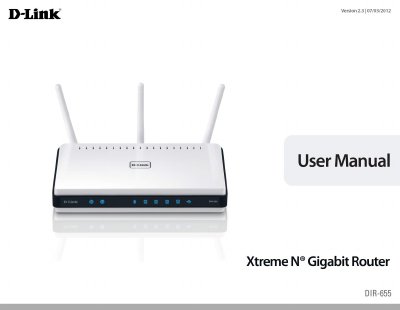
This manual provides step-by-step instructions for installing and configuring the D-Link DIR-655 router. It covers wireless setup, security options like WPA2, firewall settings, and network management tools. The guide also includes technical specifications and troubleshooting tips for optimal performance.
The DIR-655 supports 802.11n wireless technology for speeds up to 300Mbps, includes dual active firewalls, and offers features like QoS for gaming and VoIP. It comes with three detachable antennas and supports USB flash drives for wireless configuration via WCN.
| Wireless Signal Rates | 300Mbps, 12Mbps, 108Mbps, 11Mbps, 54Mbps, 9Mbps, 48Mbps, 6Mbps, 36Mbps, 5.5Mbps, 24Mbps, 2Mbps, 18Mbps, 1Mbps |
|---|---|
| Frequency Range | 2.4GHz to 2.483GHz |
| Transmitter Output Power | 15dBm ± 2dB |
| External Antenna Type | Three (3) detachable reverse SMA Antennas |
| Operating Temperature | 32°F to 131°F (0°C to 55°C) |
| Humidity | 95% maximum (non-condensing) |
| Dimensions | L = 7.6 inches • W = 4.6 inches • H = 1.2 inches |
| Warranty | 1 Year |
The DIR-655 supports up to 300Mbps wireless connection with other 802.11n wireless clients.
It supports WPA-Personal, WPA2-Personal, WPA-Enterprise, and WPA2-Enterprise, and includes dual active firewalls (SPI and NAT).
The DIR-655 comes with a 1-year warranty.