
This manual introduces how to use the D-Link DAP-1530 AC750 Mesh Wi-Fi Extender to extend your wireless network. It covers the device's connection, setup, and management.
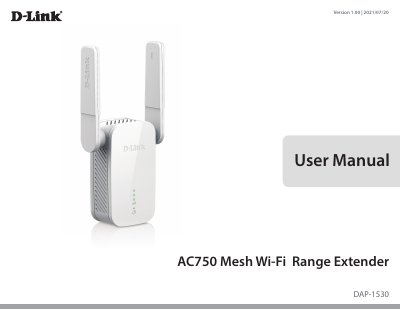
The D-Link DAP-1530 is an AC750 Mesh Wi-Fi Range Extender. This user manual covers product overview, package contents, system requirements, hardware layout, installation, and getting started with WPS-PBC and the D-Link Wi-Fi app.
It also documents the wireless setup wizard, access point mode, extender and network settings, management options, Wi-Fi Mesh setup, connecting wireless clients, troubleshooting, wireless basics, technical specifications, and regulatory statements.
| Standards | IEEE 802.11ac, 802.11a, 802.11n, 802.11g, 802.11b |
|---|---|
| Device Interfaces | 802.11ac/n/g/b/a Wireless LAN, 10/100/1000 Gigabit Ethernet Port, Reset Button, WPS Button |
| Antenna | Two external antennas |
| Wireless Security | Wi-Fi Protected Access (WPA/WPA2), Wi-Fi Protected Setup (WPS) |
| Power Input | 110 to 240 V AC, 50/60 Hz |
| Maximum Power Consumption | 4.3 W |
| Dimensions | 105.0 x 63.5 x 50.0 mm (4.13 x 2.50 x 1.97 in) |
| Weight | 165 grams (5.8 oz) |
| Operating Temperature | 0 to 40 ˚C (32 to 104 ˚F) |
The DAP-1530 acts as a repeater to extend the range of an existing wireless network. It can also be used as a wireless access point by connecting an Ethernet cable.
Use an unfolded paperclip to press and hold the reset button on the bottom of the DAP-1530 for 10 seconds.
Yes. The manual states that it can be used as a wireless access point by connecting an Ethernet cable.
It supports Wi-Fi Protected Access (WPA/WPA2).