
This manual describes the installation of the ABB Ability™ Smart Sensor Bluetooth® Gateway Cassia X2000.
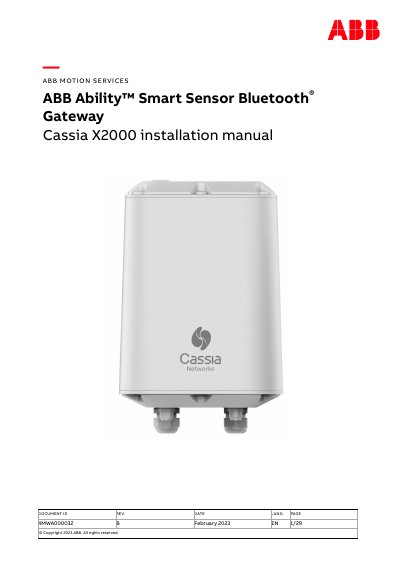
The ABB Ability Smart Sensor gateway automatically uploads Smart Sensor data to the Smart Sensor portal. Before it can start reading Smart Sensors, it must be configured for Internet access through a LAN/Ethernet network, a 2.4GHz/5GHz WIFI network, or a 4G mobile network using a specific USB dongle.
This installation manual covers prerequisites, recommended location, gateway configuration, PoE and LAN/Ethernet connections, WIFI and USB mobile dongle connections, firewall settings, configuration verification, commissioning and troubleshooting. The sales package includes the X2000 Bluetooth router, wall and pole mounting kits, and a quick guide.
| Supported Internet connections | LAN/Ethernet; 2.4GHz/5GHz WIFI; 4G mobile with specific USB dongle |
|---|---|
| Recommended installation height | 3-30 meters from ground level |
| Default DNS server | 8.8.8.8 for global; 114.114.114.114 for China |
| PoE requirement | 802.3af/at compliant |
| Maximum Ethernet cable length | 50 meters |
| Bootup time | about 30-60 seconds |
The gateway supports LAN/Ethernet, 2.4GHz/5GHz WIFI, and 4G mobile connections with a specific USB dongle.
The recommended height is 3-30 meters from ground level.
The bootup takes about 30-60 seconds.
Connect to the configuration WIFI hotspot and enter 192.168.40.1 in a web browser.