
Kyocera Copier Operation Guide

This document introduces the basic operation methods of Kyocera copiers, including daily maintenance and troubleshooting
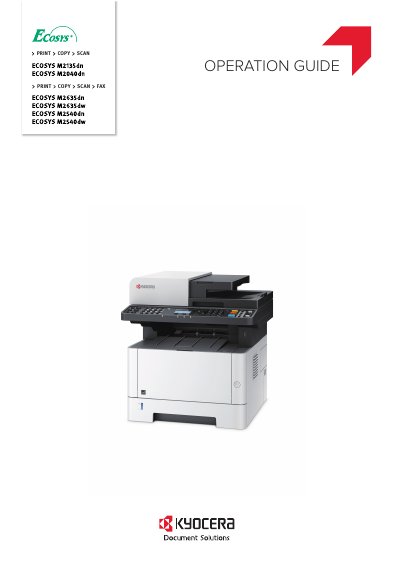

Kyocera Copier Operation Guide - cover page
Brand
Kyocera
Category
copier
Document type
User Manual
Language
English
Pages
410
File format
PDF
File size
13.4 MB
Published
31 October, 2023
Updated
31 October, 2023
MD5 checksum
9A665101056EDA2EA8D084E65FA19DF6

About this manual

This Kyocera copier operation guide explains how to set up, operate, maintain, and troubleshoot the machine. It covers printing from a PC, copying, sending documents, using machine functions, and checking job status.

The guide also includes system setup, user authentication and accounting, regular maintenance, paper jam clearing, and appendix information for optional equipment.

What's inside

  • Legal and Safety Information
  • Installing and Setting up the Machine
  • Preparation before Use
  • Printing from PC
  • Operation on the Machine
  • Using Various Functions
  • Status/Job Cancel
  • Setup and Registration (System Menu)
  • User Authentication and Accounting
  • Troubleshooting

Frequently asked questions

What should I do before using the machine?

Read this Operation Guide before using the machine.

Why does Kyocera recommend genuine toner containers?

Genuine Kyocera toner containers must pass numerous quality inspections.

When is the equipment serial number needed?

You need it when contacting your Service Representative.

What may happen if non-genuine toner containers are used?

The use of non-genuine toner containers may cause failure.

Download PDF (13.4 MB)

More Kyocera Manuals


View all Kyocera manuals →