
This document is the Netcomm NB16WV-02 quick setup guide, which introduces how to use Netcomm NB16WV-02 to connect to ADSL broadband or fiber internet
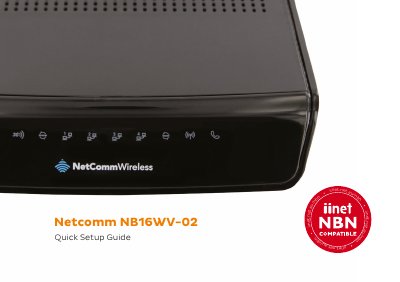
This guide helps you set up your Netcomm NB16WV-02 modem router for ADSL broadband, NBN fibre, or Netphone services. It includes step-by-step instructions for plugging in and configuring your device, with separate sections for each internet type. You’ll also find tips for setting up Wi-Fi networks and connecting devices. The guide covers both automatic and manual setup options, including web-based configuration for ADSL and NBN connections.
This device supports ADSL broadband, naked DSL, NBN fibre, and mobile broadband via a 3G/4G USB modem.
You must let the modem rest for 10-15 minutes after plugging it in to allow it to retrieve settings.
The default username is admin and the default password is admin.