
The NetComm NF20 Wi-Fi 6 is a Wi-Fi gateway with automated Wi-Fi issue resolution, seamless connection to CloudMesh satellites, Gigabit connection to high-speed fiber networks, support for VDSL2 and Voice and Wi-Fi visibility and assurance with the Wi-Fi Analytics Platform.
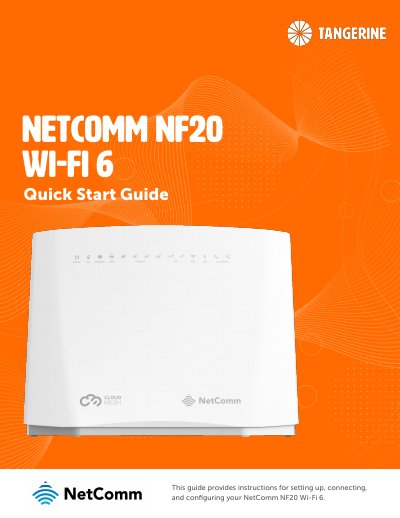
This guide walks you through setting up your NetComm NF20 Wi-Fi 6 router, including connecting it to your NBN service via HFC, FTTP, FTTB, or VDSL. It covers configuring Wi-Fi, connecting devices, and setting up VoIP phones. The device supports Mesh networking, Wi-Fi AutoPilot, and Gigabit speeds. For advanced settings, access the web interface at https://192.168.20.1/ using admin credentials.
You must type https://192.168.20.1/ into the address bar of a web browser.
You need to hold down the button for 10 seconds when the unit is powered on.
The default username is 'admin' and the password is printed on the label on the bottom of the device.