
Key facts
- Manuals
- 4
- Languages
- EN
- Last added
- 2023-10-16
Featured NetComm manuals
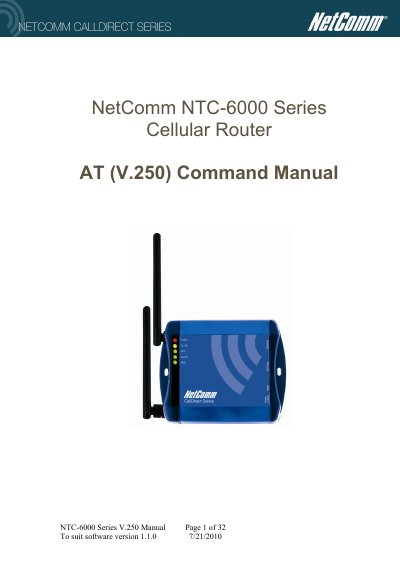
NTC-6000 Series Cellular Router AT (V.250) Command Manual
The NetComm NTC-6000 series cellular routers are designed to facilitate packet switched digital cellular networks in legacy applications supporting a V.250 modem interface. While the device includes an internal cellular terminal, it processes V.250 commands internally rather than communicating directly with the terminal module.
This document serves as a command and configuration reference for the AT (V.250) command set. It details operating states such as Command State, Online Command State, and Online Data State, along with syntax descriptions for DTE commands.
Covers: Product overview · Operating states · Syntax Description · Command line general format · Types of DTE commands · V.250 Configuration commands
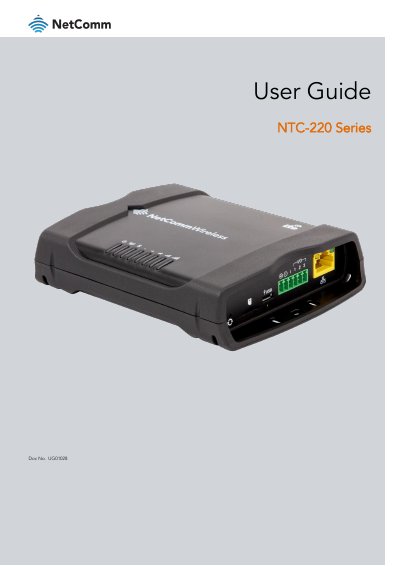
NetComm NTC-220 Series Router User Guide
This document provides instructions for setting up, configuring, and using the NetComm Wireless NTC-220 Series routers, which include models NTC-221, NTC-222, NTC-223, NTC-224, NTC-225, and NTC-227. The guide is intended for system integrators or experienced hardware installers.
Covers: Product introduction · Installation and configuration · Networking · Services · GPS · System
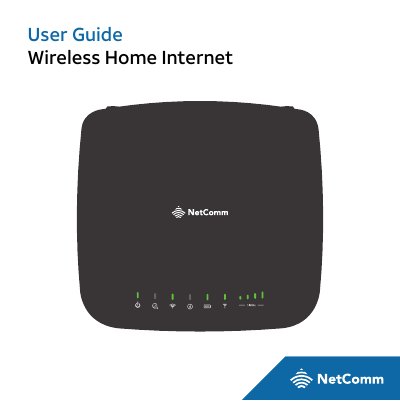
NetComm IFWA-40 Wireless Home Internet User Guide
The NetComm IFWA-40 is a wireless home internet device designed to provide voice and wireless data service. This manual guides users through the initial setup, including checking the contents of the package, powering on the device, and configuring the Wi-Fi network name and password. It also explains how to connect other devices and manage connected devices via the Wireless Home Internet Manager interface.
Covers: Getting Started · Getting to Know Your Device · Installation · Setup · Using Your Device · Calling
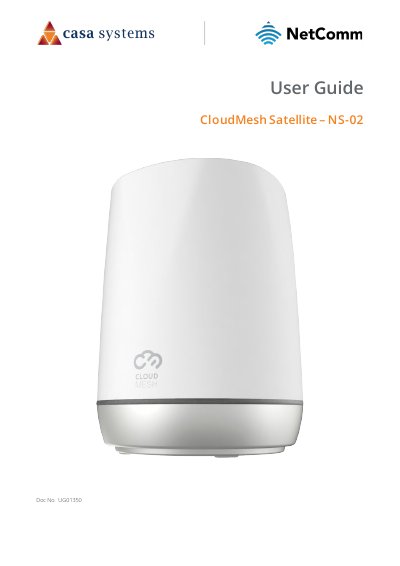
NetComm CloudMesh Satellite NS-02 User Guide
This document is the user guide for the NetComm CloudMesh Satellite NS-02. It provides instructions on setting up the device, including pairing it with a CloudMesh Gateway via WPS or Ethernet cable, and connecting client devices. The guide also covers physical features, optimal placement to avoid interference, and firmware upgrades.
Covers: Key features · Front view · Rear view · Bottom view · Physical dimensions and weight · Cloud Mesh Satellite location
Latest NetComm manuals
NTC-6000 Series Cellular Router AT (V.250) Command Manual
User Manual 32 pages · 389 KB · ENThis manual provides the V.250 (AT) command reference for configuring and controlling NetComm NTC-6000 series cellular routers.
NetComm NTC-220 Series Router User Guide
User Manual 196 pages · 4.7 MB · ENUser guide for the NetComm NTC-220 Series ruggedized industrial cellular router, covering setup, configuration, and maintenance.
NetComm IFWA-40 Wireless Home Internet User Guide
User Manual 75 pages · 1.5 MB · ENThis user guide covers the setup, installation, and operation of the NetComm IFWA-40 Wireless Home Internet device, including Wi-Fi configuration and…
NetComm CloudMesh Satellite NS-02 User Guide
User Manual 22 pages · 1.2 MB · ENUser guide for the NetComm CloudMesh Satellite NS-02, covering setup, pairing with a gateway, client connection, and web interface configuration.
Which document do I need?
User Manual
Day-to-day operation, settings and troubleshooting. Start here if the product is already set up.
Questions answered in NetComm manuals
What are the three operating states defined for the NTC-6000?
The manual defines Command State, Online Command State, and Online Data State.
From: NTC-6000 Series Cellular Router AT (V.250) Command Manual
How does the NTC-6000 handle V.250 commands it cannot process internally?
Any unprocessed V.250 commands may optionally be passed to the internal cellular terminal.
From: NTC-6000 Series Cellular Router AT (V.250) Command Manual
Which models are covered in this guide?
This document covers the NTC-221, NTC-222, NTC-223, NTC-224, NTC-225, and NTC-227 routers.
What is the target audience for this manual?
The document is intended for system integrators or experienced hardware installers who understand telecommunications terminology.
Can a cordless phone operate during a power outage?
No, a cordless phone connected to the device will not operate during a power outage.
What is the warranty period for this device?
The device comes with a limited warranty that expires one year from the date of sale.