
This document is the user guide for NetComm CloudMesh Satellite NS-02, which introduces the features and usage methods of the product
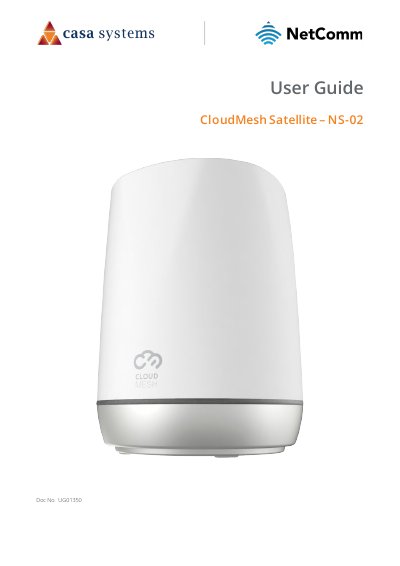
This document is the user guide for the NetComm CloudMesh Satellite NS-02. It provides instructions on setting up the device, including pairing it with a CloudMesh Gateway via WPS or Ethernet cable, and connecting client devices. The guide also covers physical features, optimal placement to avoid interference, and firmware upgrades.
| Power | 12V 2A |
|---|---|
| Width | 113 mm |
| Height | 145 mm |
| Depth | 110 mm |
| Weight | 320 grams |
| Ethernet Ports | Gigabit Ethernet LAN ports |
Insert a straightened paper clip into the reset hole and hold for ten (10) seconds.
Any IP address in the range 192.168.1.2 to 192.168.1.254.