
This guide provides instructions for setting up the NetComm NTC-220 Series 4G LTE Cat 1 Industrial IoT Router, including package contents, device overview…
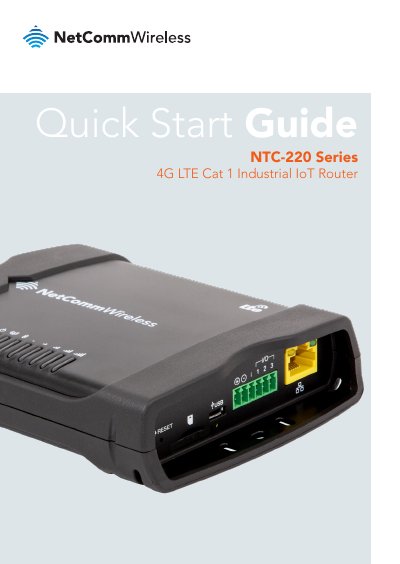
This Quick Start Guide is designed to help users get the NetComm NTC-220 Series Router up and running quickly. It covers package contents, device overview, LED indicator descriptions, and initial setup steps. More advanced configuration instructions can be found in the separate user guide available on the manufacturer's website.
| SIM Card Port | Removable tray |
|---|---|
| Ethernet Port | RJ45 Fast Ethernet port |
| USB Port | Micro USB 2.0 OTG |
| Serial Port | Female DE-9 |
| Reset Button Hold Time (Normal Mode) | Less than 5 seconds |
| Reset Button Hold Time (Recovery Mode) | 5 to 15 seconds |
| Reset Button Hold Time (Factory Default) | 15 to 20 seconds |
| RF Exposure Distance | 20 cm |
The package includes the router, DIN rail mounting bracket, horizontal adapter, terminal block, cellular antennas, quick start guide, Ethernet cable, and SIM tray.
Press and hold the reset button for 15 to 20 seconds until the LEDs turn red and extinguish in sequence.
Advanced setup instructions can be found in the user guide downloadable from www.netcommwireless.com/product/ntc-220.