
This is the user manual for NetComm NB604N , which introduces the functions and features of this device and its use methods.
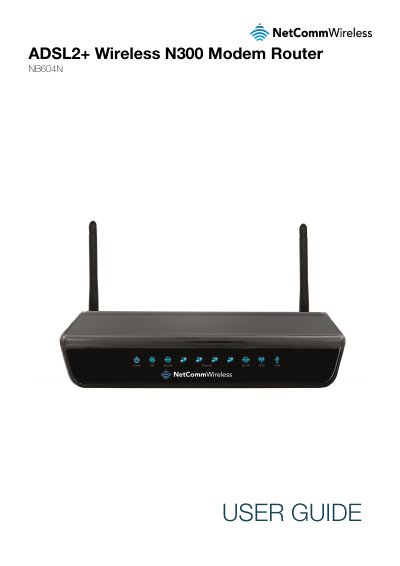
The NetComm NB604N is an ADSL2+ Wireless N300 Modem Router. The user guide describes its package contents, LED indicators, default settings, integrated interfaces, safety and product care, and installation and configuration.
It explains logging in to the management console and using Device Info, Basic Setup, Advanced Setup, Wireless, Diagnostics and Management menus. It also provides technical data, an FAQ, and legal and regulatory information.
| Broadband type | ADSL2+ |
|---|---|
| Wireless speed | Up to 300Mbps |
| LAN ports | 4 Ethernet LAN ports |
| USB port | External hard drive connection |
| IPv6 support | Yes |
| Power adapter | DC 12V 1.5A |
| Default wireless security | WPA2-PSK |
| Default management IP | 192.168.1.1 |
The default LAN static IP address is 192.168.1.1.
The default username and password are both admin.
It connects to a DC 12V 1.5A power adapter.
Hold the RESET button down for 10 seconds or more.