
QGenie QG-103N User Manual, introduces the product appearance, usage method, connection device, etc
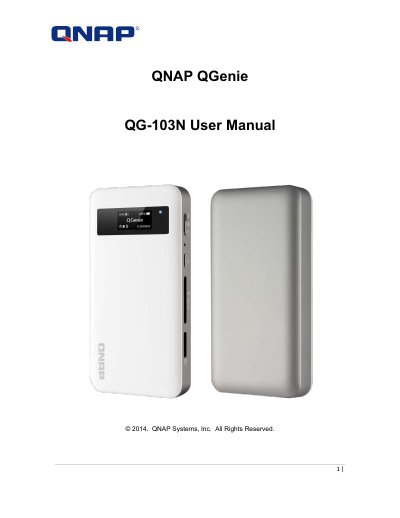
The QNAP QGenie QG-103N is an innovative mobile NAS designed for file storage, backup, and sharing on the go. It can also act as a wireless sharing router for internet access and as a power bank for charging phones and tablets.
This user manual covers product overview, getting started, setup for Android and iOS devices, wireless LAN connection, PC setup, Qfile usage, web interface access, myQNAPcloud service, precautions, maintenance, specifications, and troubleshooting.
| CPU | MIPS 24KEc 600MHz |
|---|---|
| RAM | 64MB |
| Internal SSD | 32GB |
| WiFi | 802.11n 1T1R 150Mbps |
| USB port | 1 x USB 3.0 port |
| Dimensions | 115 (H) x 58.5 (W) x 17.5 (D) mm |
| Weight | 122 g |
| Operating temperature | 0 °C to 45 °C |
QGenie weighs 122 g.
Supported devices include Android 2.3 and later, iOS 5.0 or later, Windows XP SP3 or later, Windows Vista SP2 or later, Windows 7 SP1 or later, Windows 8, and Mac OS X Ver. 10.6 or later.
QGenie supports up to 20 devices connection as a wireless access point.