
This document is an installation guide for QNAP NAS Rack
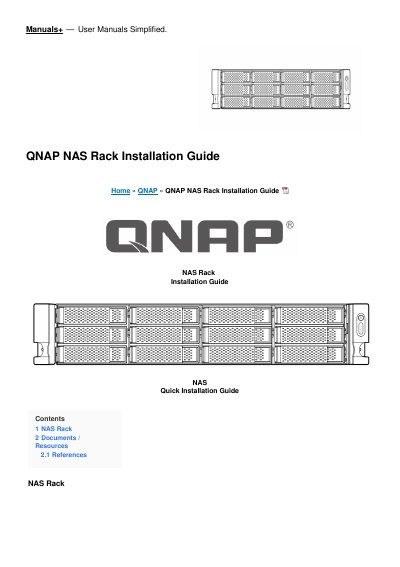
This QNAP quick installation guide covers installing drives in a NAS Rack system. It points to QNAP's SSD/HDD compatibility list, warns that all drive data is cleared when the SSD/HDD is initialized, and reminds users to tighten the tray screws so the tray does not get stuck to the chassis.
The guide also directs users to Qfinder Pro and the QNAP Download Center, and closes with regulatory information: the FCC Part 15 Class A notice, CE Class A compliance, WEEE disposal instructions, and UKCA compliance, together with the addresses of QNAP's EU and UK offices.
| FCC compliance | Part 15 Class A digital device |
|---|---|
| CE compliance | CE Class A |
| UKCA compliance | Complies with UKCA requirements |
All drive data is cleared when the SSD/HDD is initialized, so existing data on the drives is erased.
QNAP refers users to its online compatibility list for SSD/HDD support.
Qfinder Pro and the full guides and utilities are available from the QNAP Download Center.
Tightening the screws prevents the tray from getting stuck to the chassis.