
QNAP TS-464U-RP TS-464U-RP-8G NAS Quick Installation Guide

This manual provides instructions on how to install the QNAP TS-464U-RP TS-464U-RP-8G NAS.
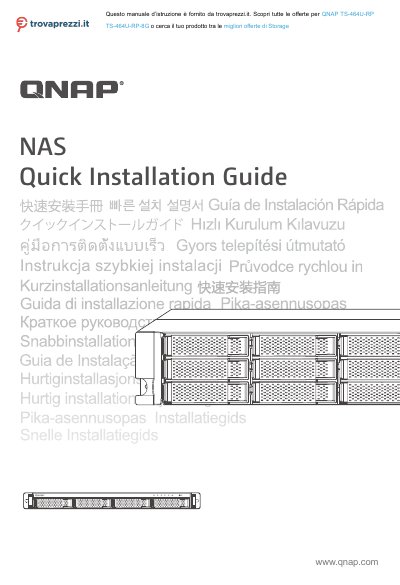

QNAP TS-464U-RP TS-464U-RP-8G NAS Quick Installation Guide - cover page
Brand
QNAP
Category
Storage devices
Document type
Installation Guide
Language
English
Pages
12
File format
PDF
File size
1.7 MB
Published
31 October, 2023
Updated
31 October, 2023
MD5 checksum
53E9AF01198B18C1EED421F2417FCA94

About this manual

This quick installation guide covers physical drive installation for QNAP TS-464U, TS-464U-RP and TS-1264U-RP NAS models, including 3.5-inch HDD and 2.5-inch SSD/HDD trays. It also warns that all drive data is cleared during SSD/HDD initialization.

For setup, the guide references Qfinder Pro, cloud installation, and the QNAP service portal, and directs users to the Download Center for complete guides and utilities. Regulatory information includes FCC Class A, CE compliance, and WEEE disposal guidance.

What's inside

  • Drive tray installation
  • SSD/HDD initialization warning
  • Qfinder Pro
  • Cloud installation
  • Service portal
  • Download Center
  • FCC, CE and WEEE compliance

Specifications

Supported drives3.5-inch HDD and 2.5-inch SSD/HDD

Frequently asked questions

What happens to existing data when an SSD or HDD is initialized?

All data on the drive is cleared during SSD/HDD initialization.

How can I get the complete guides and utilities?

Visit the QNAP Download Center at www.qnap.com/download.

What can I use to set up the NAS?

Use Qfinder Pro or the cloud installation service portal.

How do I prevent a drive tray from sticking to the chassis?

Tighten the screws.

Download PDF (1.7 MB)

More QNAP Manuals


View all QNAP manuals →