
JBOD Quick Installation Guide, introduces the steps of JBOD quick installation, suitable for QNAP QXP-1600eS JBOD device
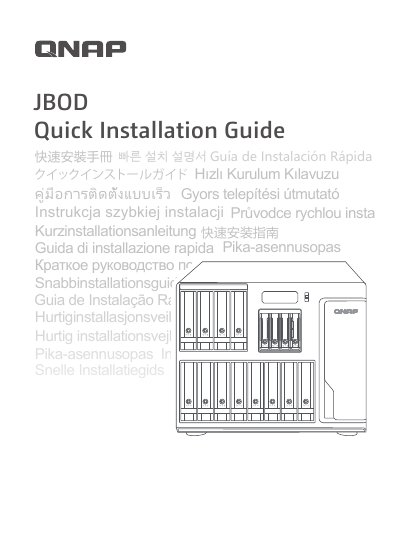
QNAP QXP-1600eS Quick Installation Guide covers installing the QXP host bus adapter, removing the case cover, and fitting full-height or low-profile brackets. It also shows installation of 2.5-inch SSD/HDD and 3.5-inch HDD drives and warns that all drive data will be cleared during SSD/HDD initialization.
The guide gives connection paths for a PC or QNAP NAS, points to QNAP JBOD Manager and driver downloads for Windows or Linux Ubuntu, and references QTS Storage & Snapshots for QNAP NAS. It lists SFF-8644 and SFF-8088 connectors and QTS 4.4.2 & QTS hero.
| Connector types | SFF-8644; SFF-8088 × 4 |
|---|---|
| Drive form factors | 2.5-inch SSD/HDD; 3.5-inch HDD |
All drive data will be cleared when the SSD/HDD is initialized.
The guide shows 2.5-inch SSD/HDD and 3.5-inch HDD drives.
The guide covers connecting to a PC or QNAP NAS.
It points to www.qnap.com/download.