
One For All Essential TV Universal Remote Control URC3610 user manual, introduces the remote control usage.
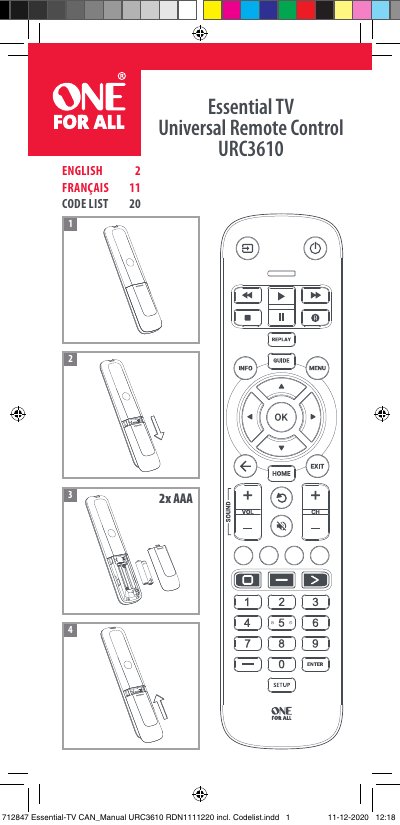
The One For All Essential TV Universal Remote Control URC3610 user manual explains how to insert batteries, identify the keys, and set up the remote to control a TV. Setup methods described include SimpleSet, entering codes from the code list, and learning functions from another working remote control.
The document also covers controlling the volume and mute of a sound bar or audio receiver, deleting a learned function, resetting volume control, and includes a code list. The remote uses 2 x AAA / LR03 batteries, which are not included.
| Battery type | 2 x AAA / LR03 (not included); alkaline recommended |
|---|---|
| Pre-programmed device | Samsung TV |
It uses 2 x AAA / LR03 batteries, which are not included; alkaline batteries are recommended.
The Essential TV remote is pre-programmed to control a Samsung TV out of the box.
Hold down SETUP until the LED blinks twice, then hold down the digit key assigned to your device brand until the device reacts.
The original remote should be approximately 2-5 cm from the Essential remote, pointing toward it.