
This manual introduces the use of One For All 4, including battery installation, remote control settings, device control, etc.
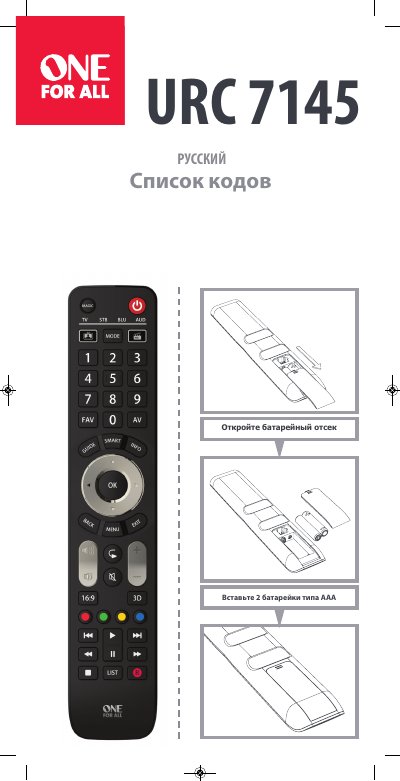
This manual explains how to set up and program the One For All 4 universal remote control. It includes instructions for simple setup, code-based setup, function programming, and configuring watch TV and watch movie modes. The remote can control TVs, STBs, Blu-ray players, and audio devices using pre-assigned codes or custom programming.
The manual also covers how to assign functions to keys, create device groups, and use macro commands for simultaneous device control. Setup is guided by indicator lights and button presses, with step-by-step instructions for each function. This manual is written in Russian.
Use the SimpleSet mode by selecting the device type and brand from the list, then press the MAGIC button and navigate using MODE until the device indicator lights up.
Yes, you can assign functions to any key except MAGIC and MODE by using the original remote to map functions to specific keys.
The remote supports two group modes: Watch TV (for TV + STB + AUD) and Watch Movie (for TV + BLU + AUD), allowing combined control of devices.