
This manual is the user guide for ZAPPER universal remote control (URC-6512), introduces the function, characteristics and how to set up and use the remote.
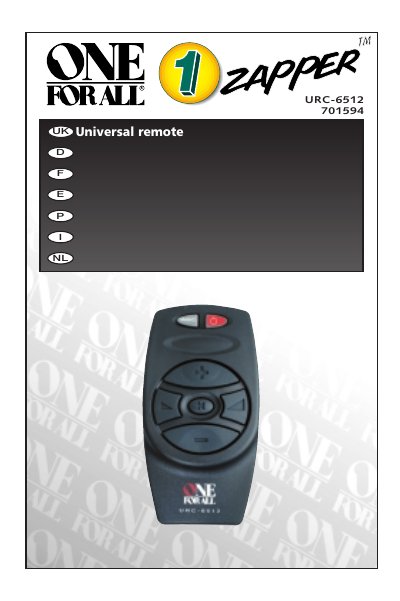
This user guide explains how to set up and operate the One For All ZAPPER URC-6512 universal remote control. It includes instructions for installing batteries, using direct setup codes, and performing a search method if the direct code fails. The guide also covers advanced functions like controlling color and brightness, scanning channels, and troubleshooting common issues.
The remote is designed to operate televisions and includes a code book with pre-programmed codes for various TV brands. If the TV brand is not listed, users can use the search method to find the correct code. The guide provides step-by-step instructions for each function and includes helpful hints for common problems.
Find your TV code in the Set-Up Code section, press and hold the MAGIC key until the POWER key blinks twice, enter your 5-digit code, aim the remote at your TV and press POWER. If the TV switches off, the ZAPPER is ready.
Press and hold the MAGIC key until the POWER key blinks twice, then press Programme(-), Programme(-), Programme(+). For each digit, press the corresponding key (Volume +, Volume -, Programme +, Programme -, Mute) and count the red blinks.