
Instructions for programming the One For All URC1210 remote to control TVs and other devices using codes or learning from other remotes.
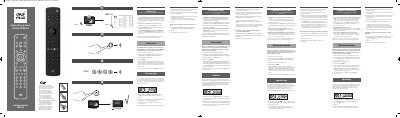
This manual explains how to program the One For All URC1210 universal remote control to operate TVs and other devices. It covers entering device codes, using the code search method, and learning functions from other remotes. The remote requires two AAA batteries and uses a red LED to indicate status during setup. Instructions are provided in multiple languages including Spanish, German, French, and English. This manual is written in Spanish.
| Battery Type | AAA |
|---|
Try another code for your brand or use the code search method to find the correct code.
Requires 2 new AAA Batteries.
You may have to press this key many times (up to 150 times).