
This document is a user manual for One For All Essential 6 Device Universal Remote Control URC3661
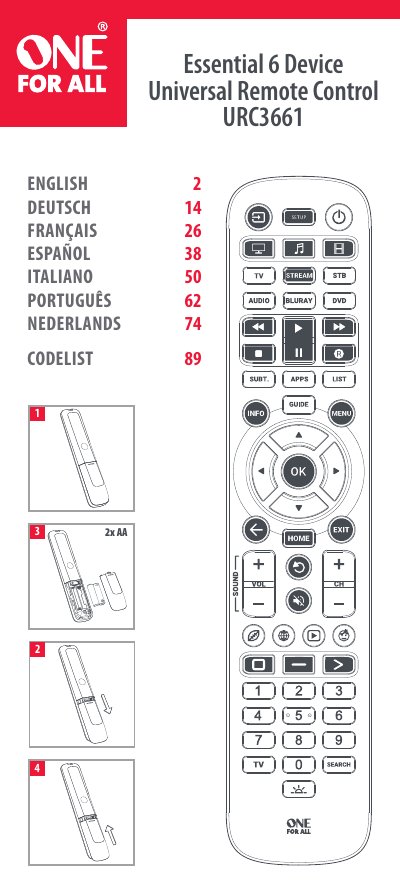
This user manual guides you through setting up the One For All URC3661 remote to control up to six audio/video devices such as TVs, streaming boxes, and sound bars. It covers battery installation, key functions, device programming via SimpleSet or code setup, and advanced features like volume lock and channel shortcuts. The remote includes a backlight for easy use in dark rooms and antimicrobial protection.
The manual provides step-by-step instructions for learning functions from other remotes, configuring device-specific keys, and troubleshooting. It also explains how to assign favorite channels to the colored keys (Red, Green, Yellow, Blue) and lock volume control to a specific device.
The remote can control up to 6 Audio Video Devices such as a TV, Set Top Box, Blu-ray Player or Sound Bar.
The remote requires 2 x AA / LR06 batteries. Alkaline batteries are recommended.
Yes, you can learn any function from any other working remote control by pressing 975, then pressing the key you want to learn and the corresponding key on the original remote.