
This is a remote control manual. The manual supports multiple languages. The manual provides instructions on how to use the remote control, including search mode, macro mode, etc. It also provides codes for remote controls for corresponding brands of televisions, set-top boxes, air conditioners, DVD players, etc.
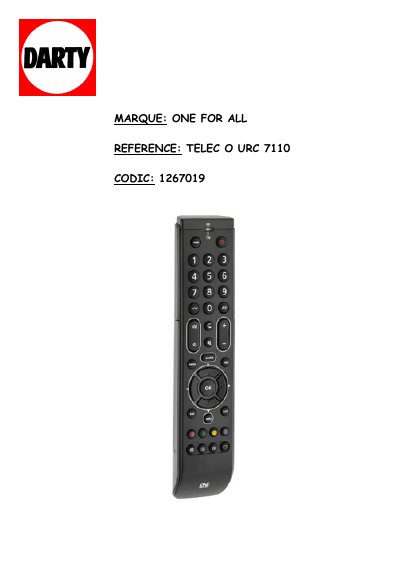
This manual for the One For All URC-7110 remote control explains how to set the remote up for your equipment, either by entering a direct code or by using the search method. It also lists device codes, sorted by device type and brand, and mentions extra functions such as Key Magic and Macro, which are described in the manual on the manufacturer's website.
The instructions show the key sequence for direct code setup (holding the magic key for 3 seconds, entering the code, testing with the standby key) and for the search method (selecting the device, pressing 991, then standby, then CH+ until the device turns off, and storing the code with the magic key). The document is multilingual, with a language index covering English, German, French, Spanish and further European languages, and it uses four AAA batteries. This manual is written in French.
| Batteries | AAA x4 |
|---|---|
| Model reference | URC 7110 |
Hold the magic key for 3 seconds until the blue mode LED stays on, then enter the first code listed for your device type and brand. The blue LED blinks twice and the device stays on; press the standby key to check that the remote controls it.
Repeat the steps with the next code listed for your brand. If it still does not work, try setup by the search method.
It looks for the code of your device by going through all the codes stored in the remote's memory, and it can work even if your brand is not in the list. After selecting the device, press 991, then standby, then CH+ repeatedly until the device turns off, and press magic to store the code.
It lets you program functions from your original remote control, even if that remote is lost or broken.