
D-Link DWA-131 Wireless N Nano USB Adapter Installation Guide

This manual provides instructions on how to install and configure the D-Link DWA-131 Wireless N Nano USB Adapter. It includes an installation guide and troubleshooting tips.
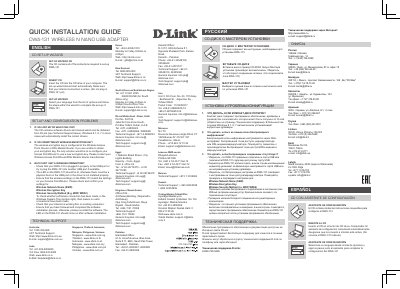

D-Link DWA-131 Wireless N Nano USB Adapter Installation Guide - cover page
Brand
D-Link
Category
Other Computer Accessories
Document type
User Manual
Language
English
Pages
2
File format
PDF
File size
771 KB
Published
29 October, 2023
Updated
29 October, 2023
Model
DWA-131
MD5 checksum
A38F5DFB24E28B4BD7C523C3E8DDE651

About this manual

This document serves as a quick installation guide for the D-Link DWA-131 Wireless N Nano USB Adapter. It outlines the initial setup process using the provided CD or downloading drivers from the D-Link website, noting that Windows 8.1, 8, and 7 often install drivers automatically. The guide also explains how to access the setup wizard via the included CD.

What's inside

  • Quick Installation Guide
  • Setup Wizard CD
  • Technical Support
  • Lost CD Troubleshooting
  • Forgotten Encryption Key
  • Wireless Connection Issues
  • LED Indicator Status

Frequently asked questions

What should I do if I have lost my installation CD?

The software drivers and manual can be obtained from D-Link, or Windows 8.1, 8, and 7 will usually install the correct drivers automatically.

Where is the wireless encryption key configured?

The wireless encryption key is configured at the Wireless Access Point, Router, or DSL Modem Router.

Download PDF (771 KB)

More D-Link Manuals


View all D-Link manuals →