
This document is the quick installation guide for the D-Link DWA-182 wireless AC1200 dual band USB adapter, it introduces how to install, configure and troubleshoot common problems.
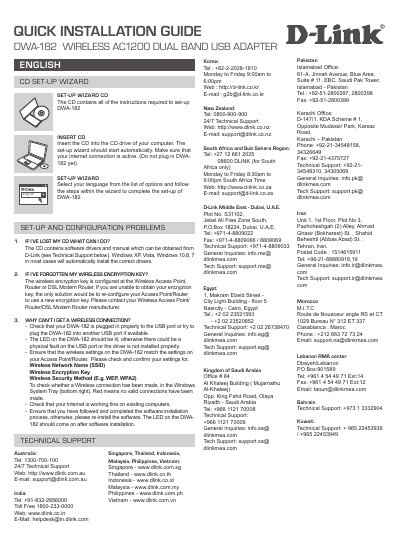
This guide helps you install and configure the D-Link DWA-182 Wireless AC1200 Dual Band USB Adapter. It covers steps for software installation, wireless connection troubleshooting, and finding technical support. The adapter supports IEEE 802.11ac, 802.11n, 802.11g, and 802.11a standards and works with USB 3.0 or USB 2.0 ports. It includes security features like WPA and WPA2. The guide also provides contact details for technical support in multiple countries.
| Wireless Standards | IEEE 802.11ac, IEEE 802.11n, IEEE 802.11g, IEEE 802.11a |
|---|---|
| Interface | USB 3.0 or USB 2.0 |
| Security | Wi-Fi Protected Access (WPA™ and WPA2™), Wi-Fi Protected Setup - PIN and PBC |
| Dimensions | 96.73 x 28.6 x 11.5 mm |
The CD contains software drivers and manual which can be obtained from D-Link. Windows XP, Vista, Windows 10, 8, 7 will automatically install the correct drivers.
The wireless encryption key is configured at the Wireless Access Point, Router or DSL Modem Router. Contact your Wireless Access Point/Router/DSL Modem Router manufacturer.
Check that your DWA-182 is plugged in properly, the LED is lit, wireless settings match your Access Point/Router, and your Internet is working. Reinstall software if needed.