
This quick start guide covers installation, setup via the Aqara Home app, and technical specifications for the Aqara MCCGQ11LM Zigbee door and window sensor.
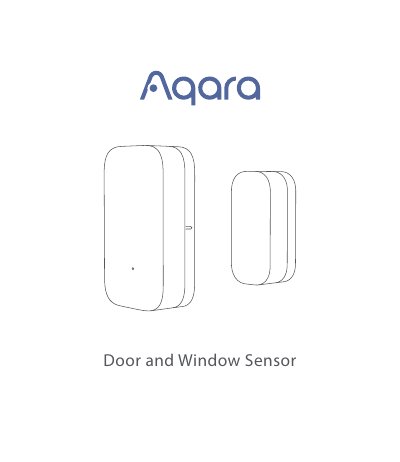
The document provides instructions for setting up the Aqara Door and Window Sensor (MCCGQ11LM) using the Aqara Hub and the Aqara Home app. It details how to activate the accessory, add it to the network, and perform an effective range test by pressing the reset button.
| Dimensions | 41 × 22 × 11 mm (1.61 × 0.87 × 0.43 in.) |
|---|---|
| Wireless Protocol | Zigbee |
| Battery Type | CR1632 |
| Maximum Detection Distance | 22 mm (0.87 in.) |
| Operating Temperature | -10° – +50°C (14° – 122°F) |
| Working Frequency | 2400 MHz – 2483.5 MHz |
Yes, a hub is required for the Aqara Door and Window Sensor to work.
You need the Aqara Home app downloaded on your device.
No, this product is designed for indoor use only and should not be used in humid environments or outdoors.