
Panasonic DP-8060-PK/8045-PK/8035-PK Digital Imaging System Operating Instructions

Operating instructions for digital imaging system, including copy, function parameters, general understanding, etc.
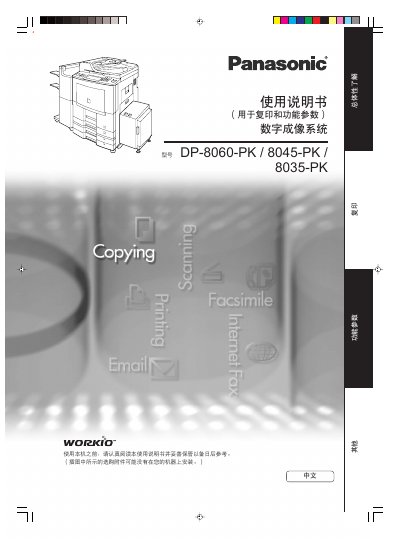

Panasonic DP-8060-PK/8045-PK/8035-PK Digital Imaging System Operating Instructions - cover page
Brand
Panasonic
Category
Other
Document type
User Manual
Language
Chinese
Pages
92
File format
PDF
File size
5.1 MB
Published
29 October, 2023
Updated
29 October, 2023
MD5 checksum
7E0B8F47BDCD17B0C8F39A605CF697C9

About this manual

This document provides operating instructions for the Panasonic DP-8060-PK/8045-PK/8035-PK digital imaging device. It includes essential information on setup, basic operations such as copying, printing, scanning, and faxing, as well as advanced features like document management and PC communication. This manual is written in Chinese.

What's inside

  • Introduction
  • Symbols and Icons
  • Basic Operations
  • Copying
  • Printing
  • Scanning
  • Faxing
  • PC Communication
  • File Management System
  • Specifications

Frequently asked questions

What is the model of the digital imaging system?

The model is DP-8060-PK/8045-PK/8035-PK.

What is the maximum number of users allowed for the machine?

The maximum number of users is 999.

What is the maximum weight of documents that can be scanned?

The maximum weight is 133 g.

What is the maximum print size supported?

The maximum print size is A3.

Download PDF (5.1 MB)

More Panasonic Manuals


View all Panasonic manuals →